Mainty
Mainty is a super simple, free, self-hosted web app that works in Docker or on a typical Apache/PHP web server. Track your vehicle maintenance and export the data easily. Technologies used include PHP, SQLite, and Tailwind.
Screenshots
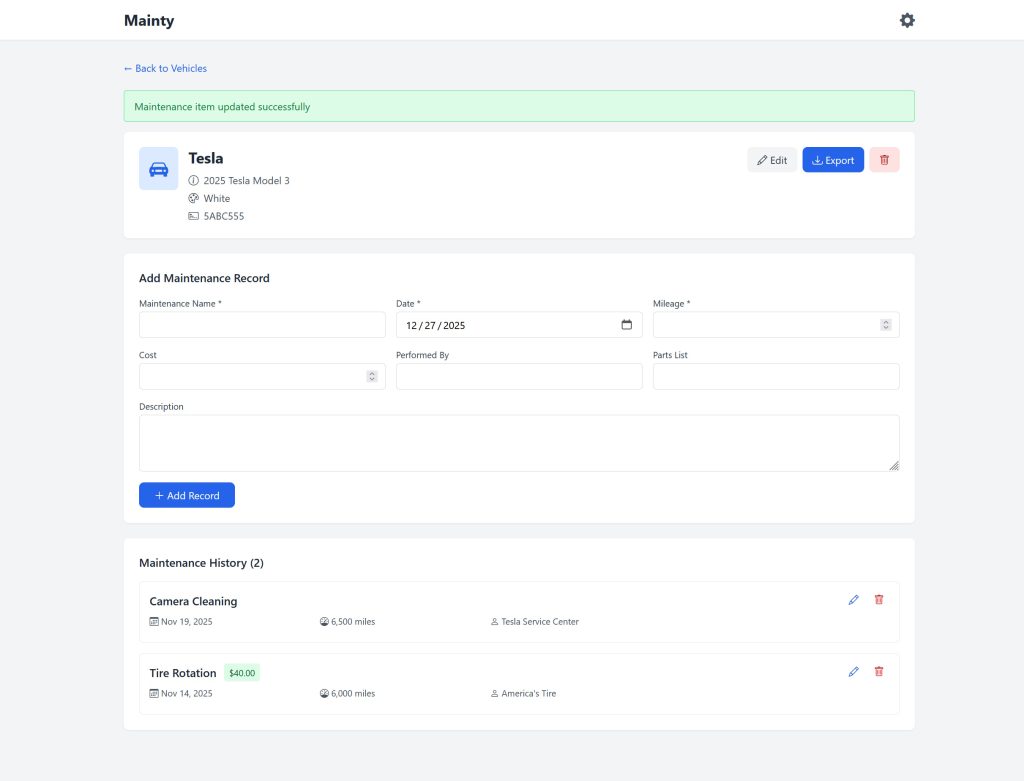
View Vehicle
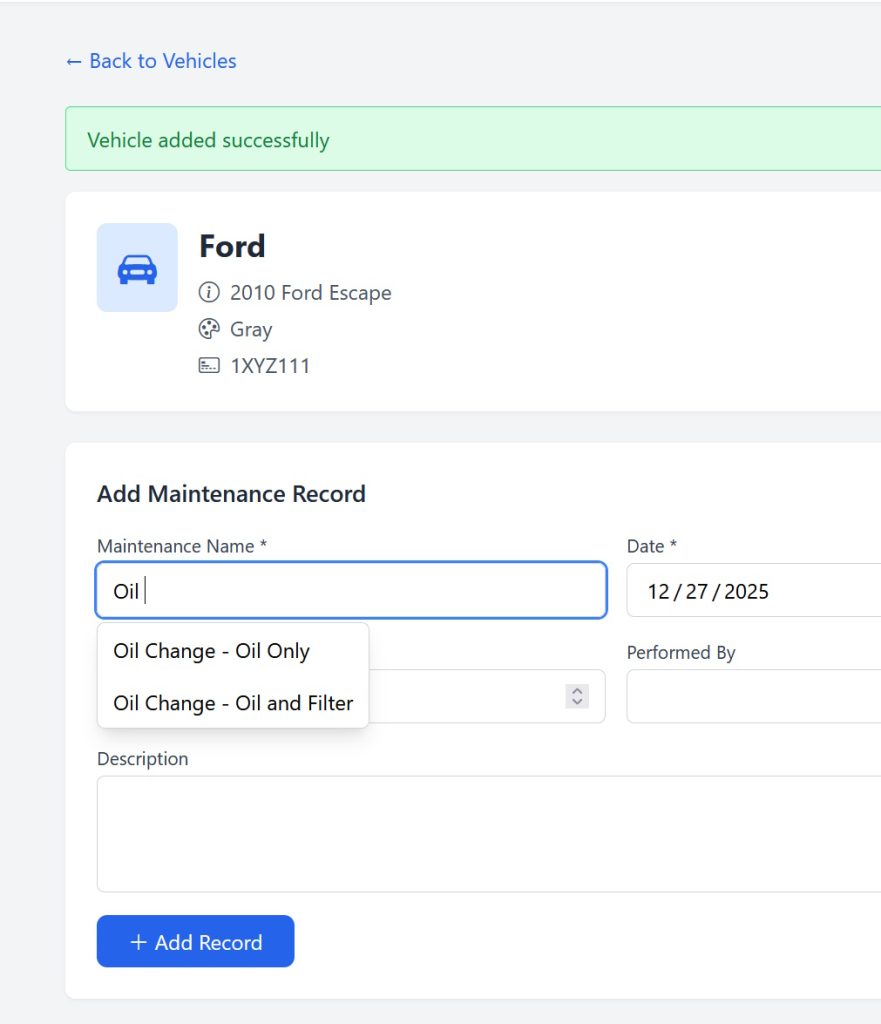
Add Maintenance Record
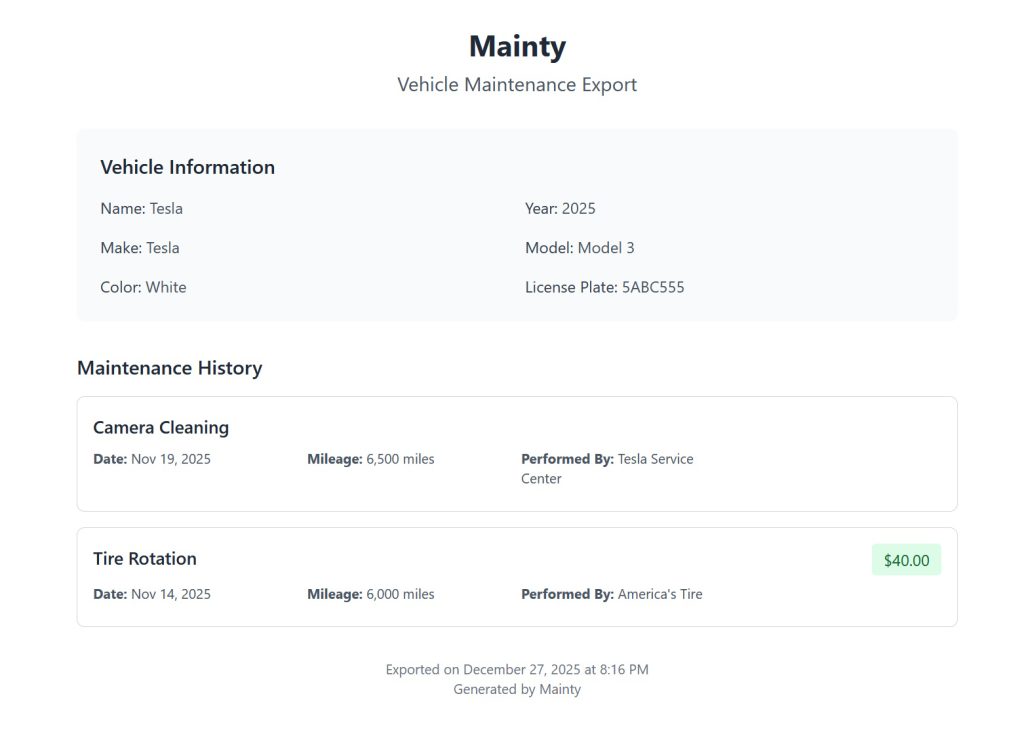
Export as HTML
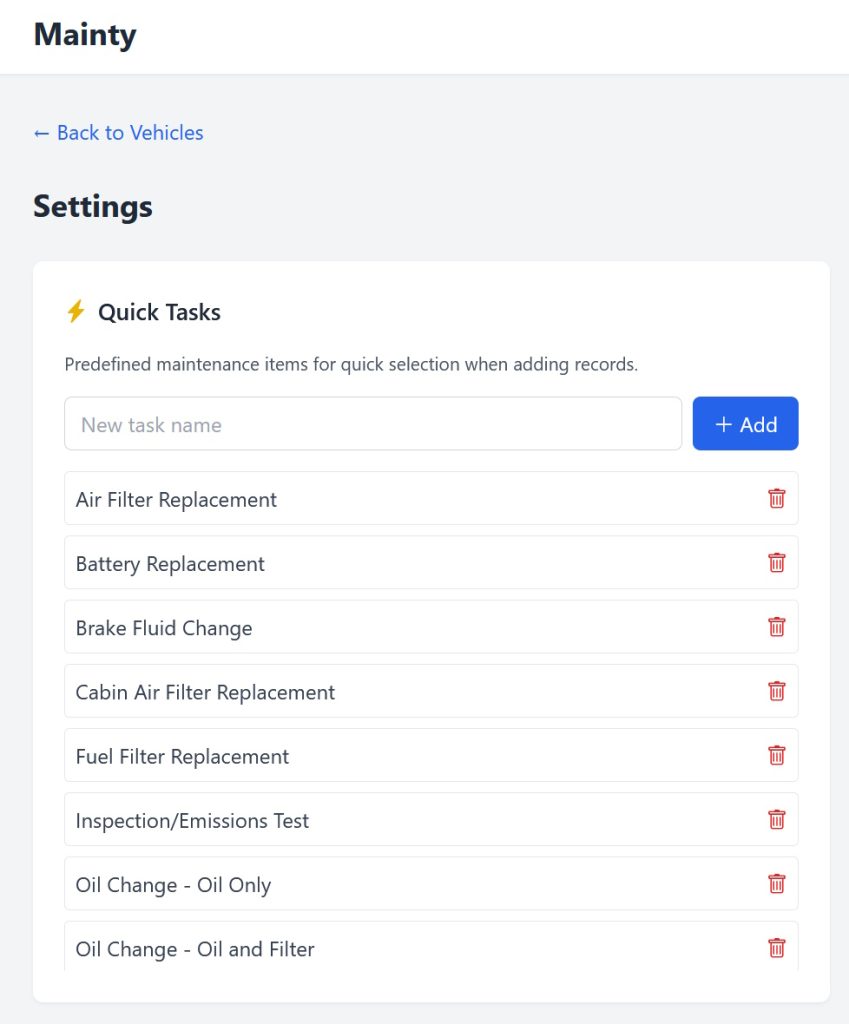
Quick Tasks in Settings
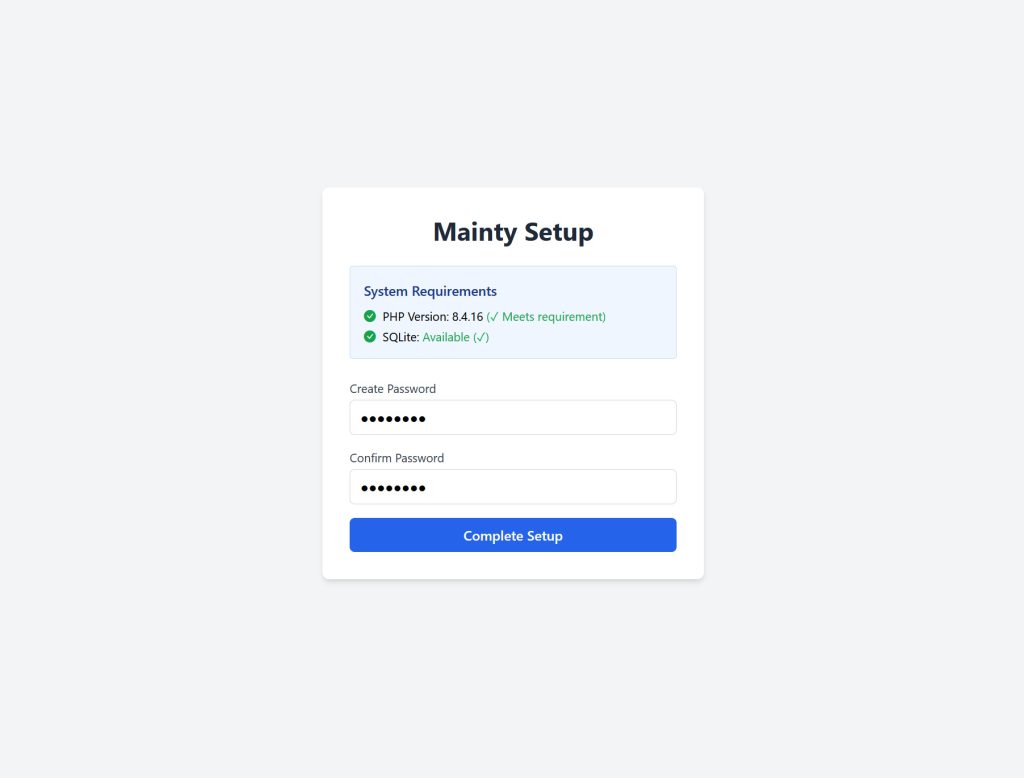
Initial Setup
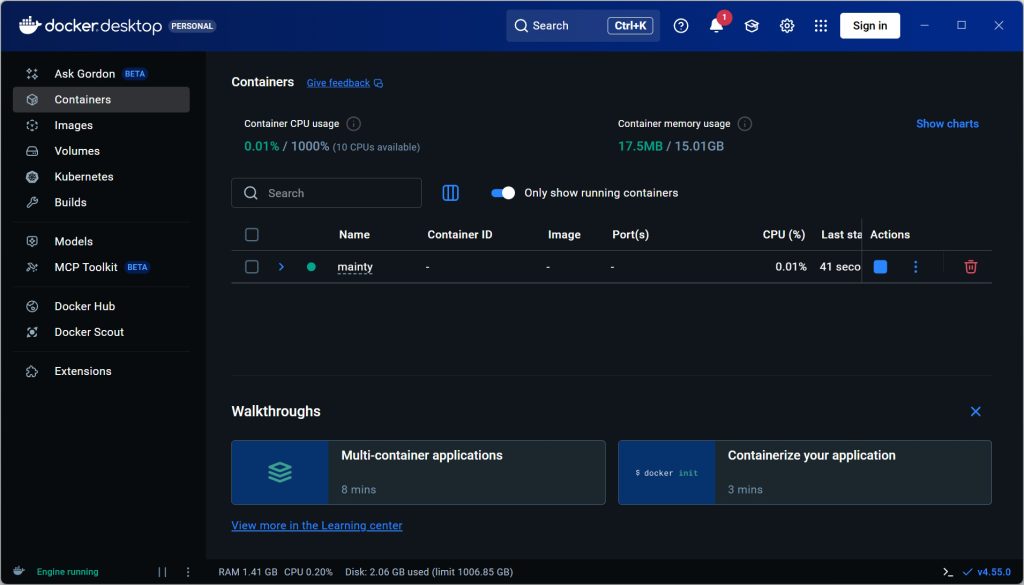
Mainty Running in Docker Desktop
Quick Start Guide
Docker (Recommended)
Docker allows you to easily deploy Mainty on any system that supports Docker. Whether this is on your personal computer or a server doesn’t really matter and just depends on how you wish to use it.
Docker Desktop
If you wish to run Docker on your personal computer and host Mainty locally, the easiest way to accomplish this is to get Docker Desktop. Docker Desktop is available for Windows, MacOS, and Linux. During the Docker Desktop installation process, you will be run through the steps needed to enable Docker support on your system locally.
Once you have Docker enabled on your system, download the latest version of Mainty, and extract it to somewhere on your system where you want it. Then, proceed to the “Docker Compose” section.
Docker Compose
If you are using Docker Desktop, you can manage your Mainty container in the Docker Desktop application after you’ve manually started it at least once.
Use a terminal in the folder where you’ve placed your Mainty files to run the following command. This will build Mainty and run its services. The first time you do this, it may take a little while – usually about 30 seconds to 2 minutes, depending on your internet speed and system specifications. Subsequent times should compose more quickly.
docker compose up -dOnce that process is complete, use your browser to access your Mainty instance, set a password, and enjoy! If you are using the default settings, you can access the application at http://localhost:8080.
If you are using Docker Desktop, once you’ve run it at least once using the compose command, your Mainty container will show up in there, and you can stop your container from there.
Alternately, if you don’t have Docker Desktop or prefer to use your terminal, you can stop your container using the following command.
docker compose downWeb Server (Alternate Method)
If you’d like to host Mainty on a web server without Docker, that’s fine too. Mainty will run on any standard web hosting provider or web server (whether local or remote) powered by Apache (or compatible) with htaccess support, PHP 8+, and the SQLite extension. However, if you are running it locally, Docker is the recommended option.
Once you have downloaded the latest version of Mainty, extract the files. Move them to your web server or upload them to your hosting account via FTP or your hosting provider’s file manager.
Rename example.htaccess to .htaccess – this is a crucial step!
If you are running Mainty in the web root (like example.com) you do not need to make any further changes to that htaccess file. However, if Mainty is running in a subfolder, you need to change the RewriteBase. For example, if you’re running Mainty at example.com/mainty123/ you would change that to /mainty123/
Use your browser to access your Mainty instance, set a password, and enjoy!
Get it on GitHub
Mainty is a free, open source project that lives on GitHub. Ready to get started? Go to Releases to download the latest version or Issues to report a bug or request a feature.